Design projects, beautifully managed.
The all-in-one studio for interior designers — spec sheets, design files, materials, schedules and client approvals, composed into one quietly beautiful workspace.
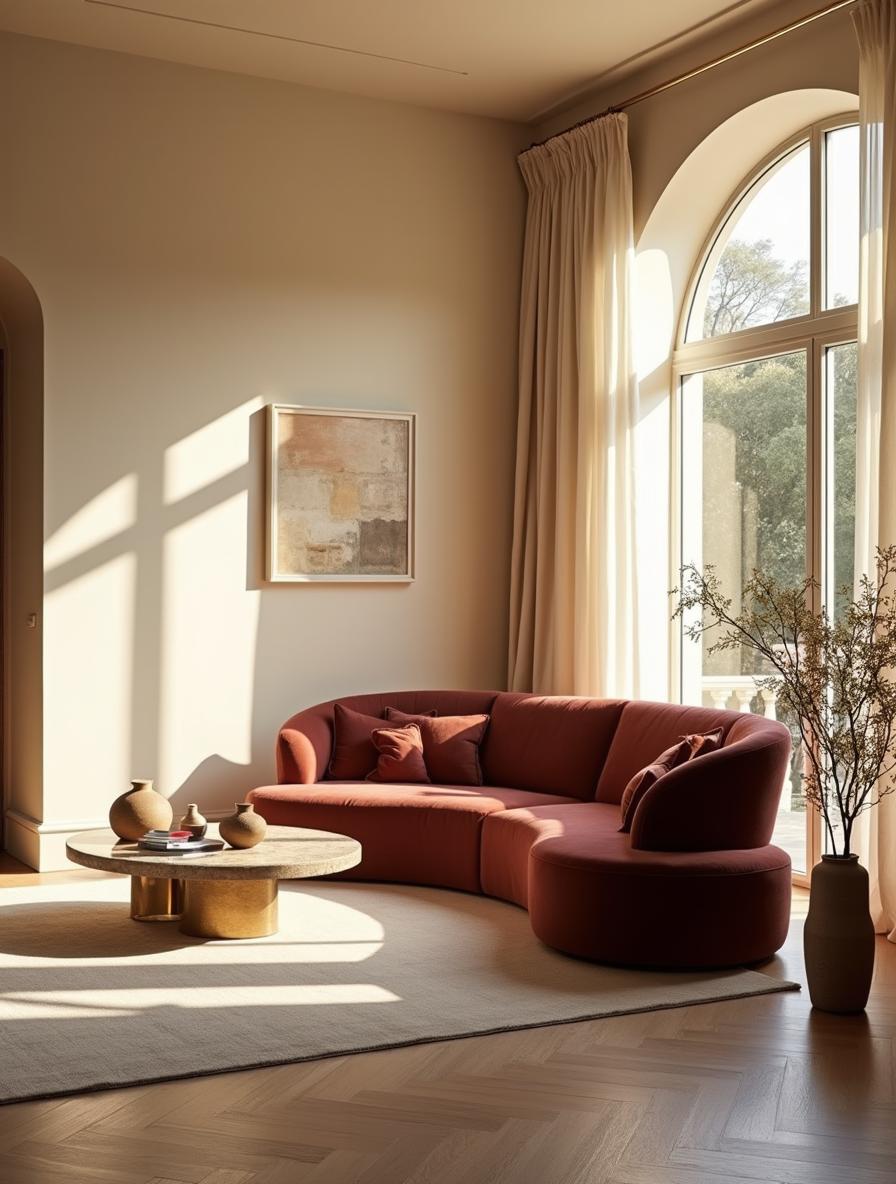
Spec sheet
Approved by client
New quote
$12,450
Everything your practice needs, nothing it doesn't
From the first concept to the final delivery, idocia gathers the scattered pieces of a design project into one composed, considered place.
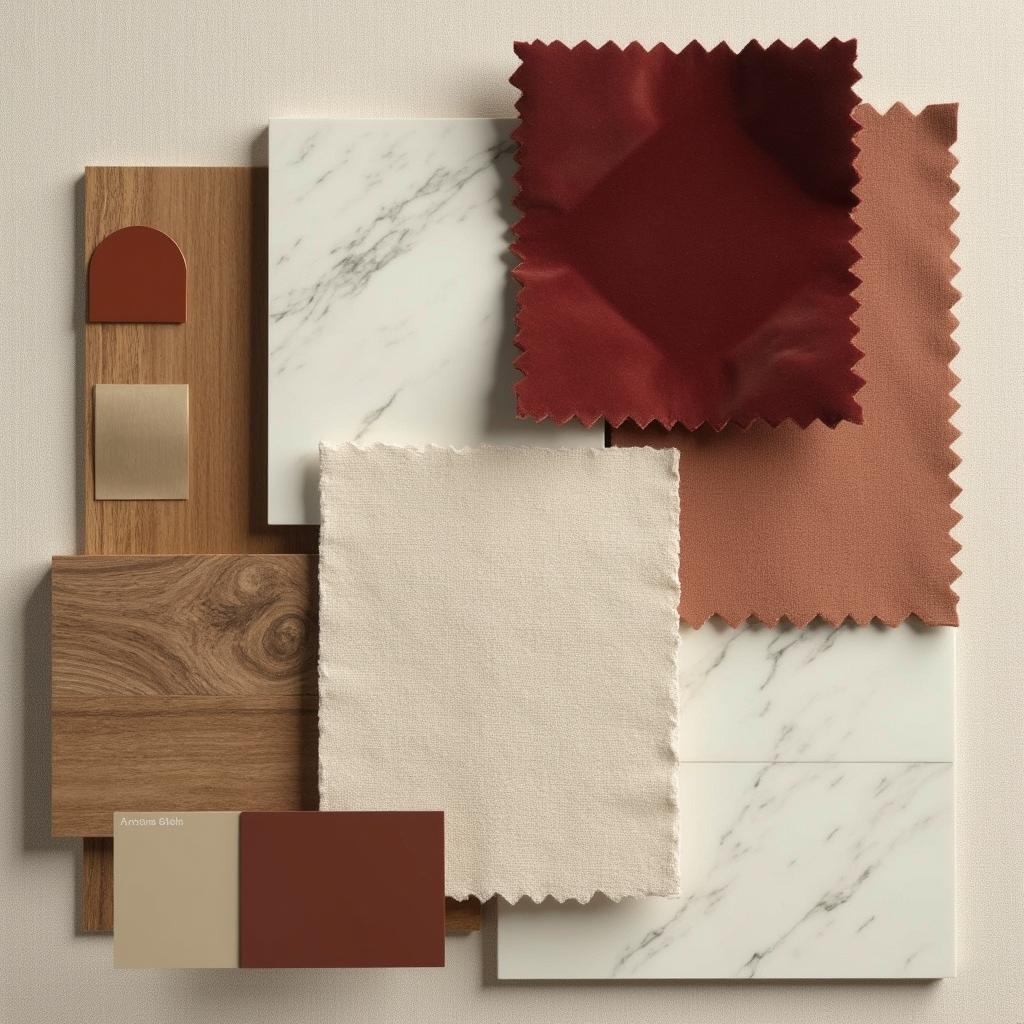
Mood Boards & Presentations
A drag-and-drop builder for mood boards and slide decks — move, resize and rotate images, swatches, products and text on one canvas.
Client Portal
A white-labelled space carrying your logo and colours, where clients view shared boards and presentations, approve them and comment.
Branded Invoicing
Line-item invoices with deposits and progress payments, a live status from sent to paid, balance due and a full payment history.
Web Clipper
A Chrome and Edge extension that clips products from any website into your library — name, brand, price, SKU, dimensions, material and images.
Spec Sheets
Compose specification sheets with product details, vendors, pricing and live inventory, organised by room.
Materials Library
A personal library of fabrics, finishes and fixtures — vendor info, lead times and pricing kept in one place.
Scheduling
Visual timelines and calendars keep projects on pace. Set milestones, track deliveries, never miss a date.
Quotes & Collaboration
Refined quotes with line items and your own branding, plus per-project messaging with clients and contractors.
Works on Mobile
The whole product is responsive — on a phone, a mood board re-flows into a scrolling editorial story. Native apps coming soon.
From a blank canvas to a vision your client falls for
These are real screens from idocia — the way designers build a presentation, and the way their clients receive it.
Compose the vision, piece by piece
A drag-and-drop builder for mood boards and slide-based presentations. Move, resize and rotate images, drop in colour swatches, pull products straight from your library, and layer in text — all on one canvas.
- Drag, resize & rotate
- Products from your library
- Boards or slide decks
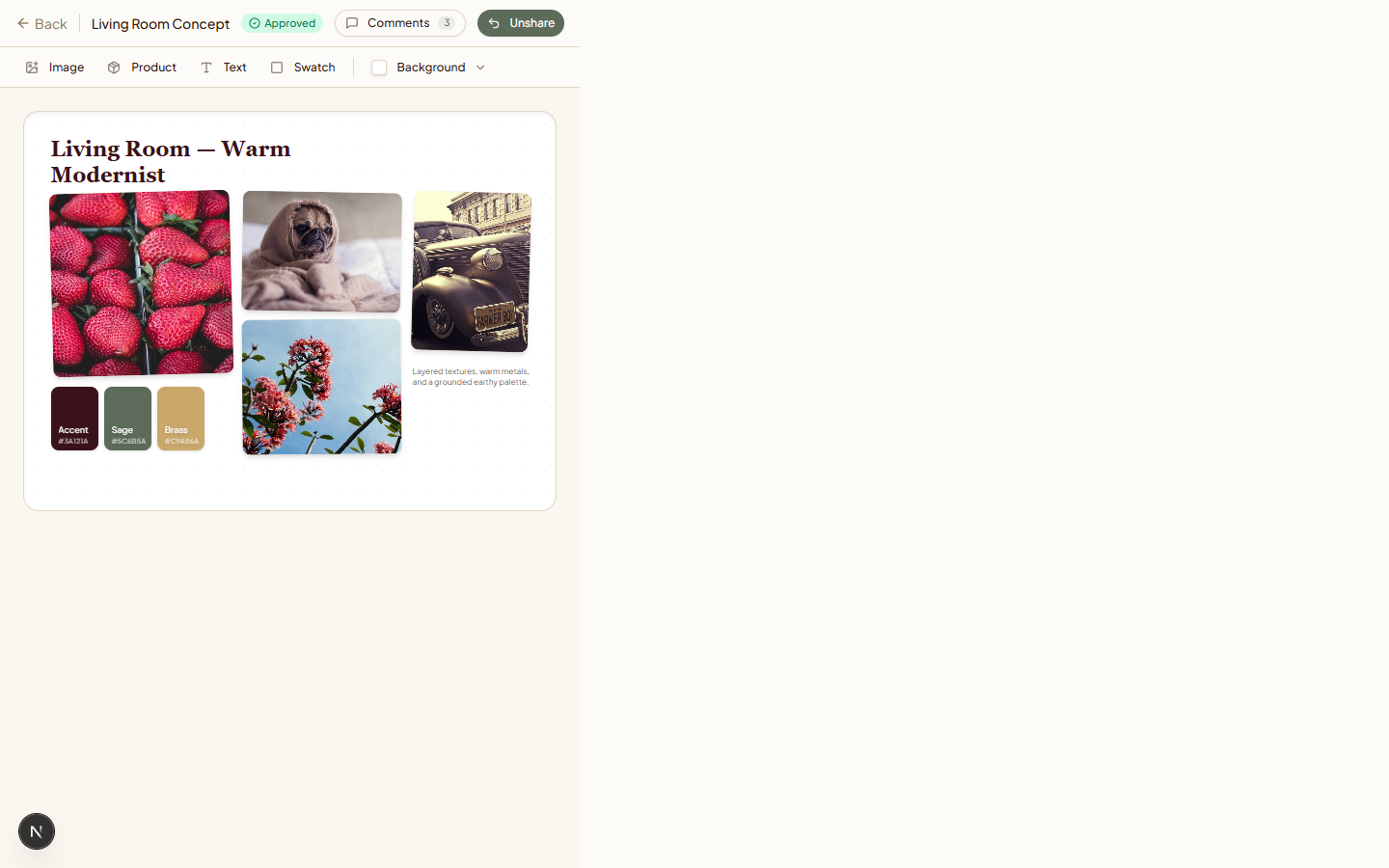
A cinematic reveal, not a PDF attachment
Share a board or presentation and your client opens a full-screen, cinematic player that walks them through the vision slide by slide. The studio's own logo and colours frame every moment.
- Full-screen player
- Slide-by-slide pacing
- Your brand, front and centre
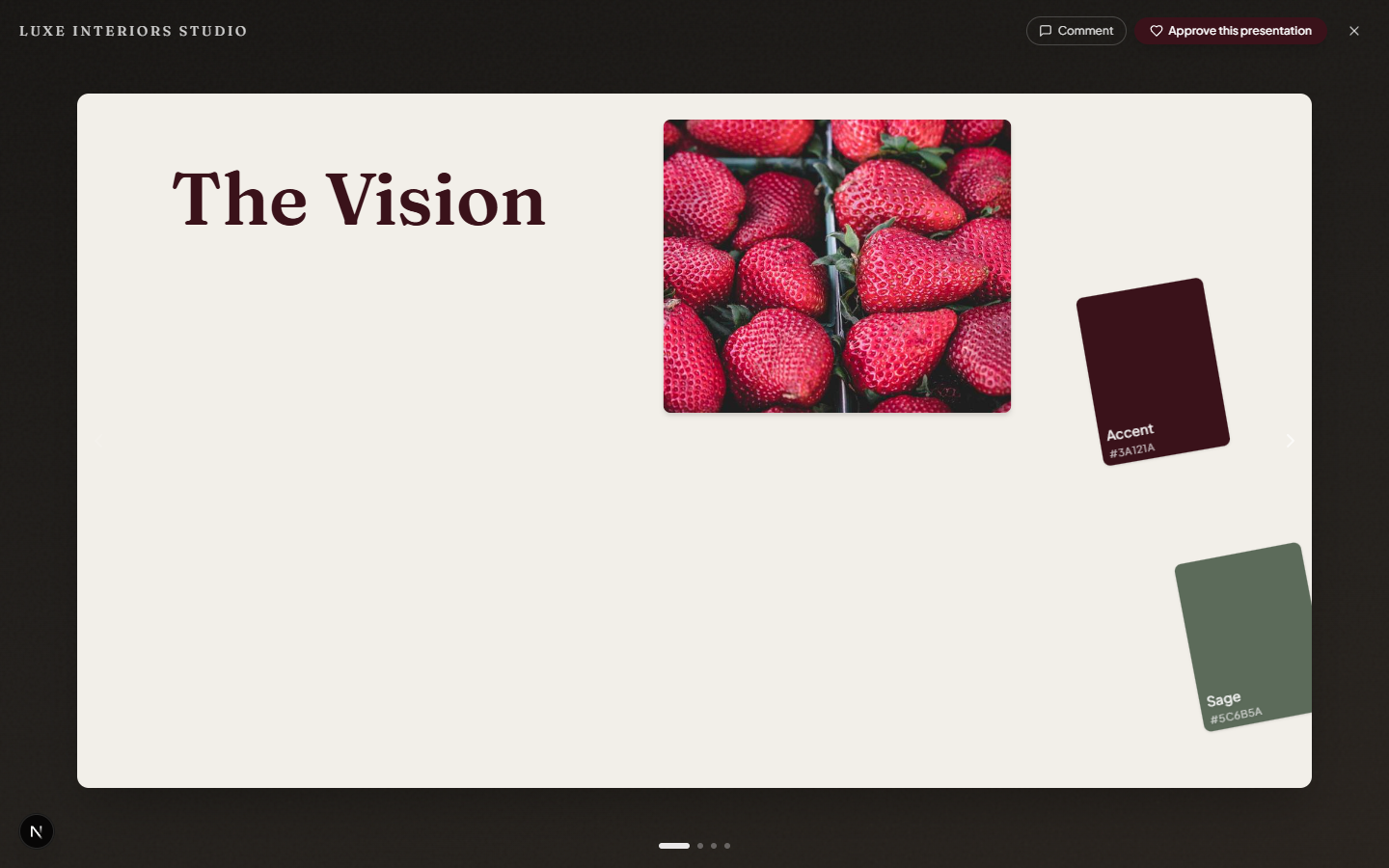
One calm, white-labelled space for the client
Clients sign in to a portal carrying your studio's logo and colours, where they browse every board and presentation you've shared, approve them, and leave comments in context. No noise, no confusion.
- White-labelled to your studio
- Approve & comment
- Shared boards in one gallery
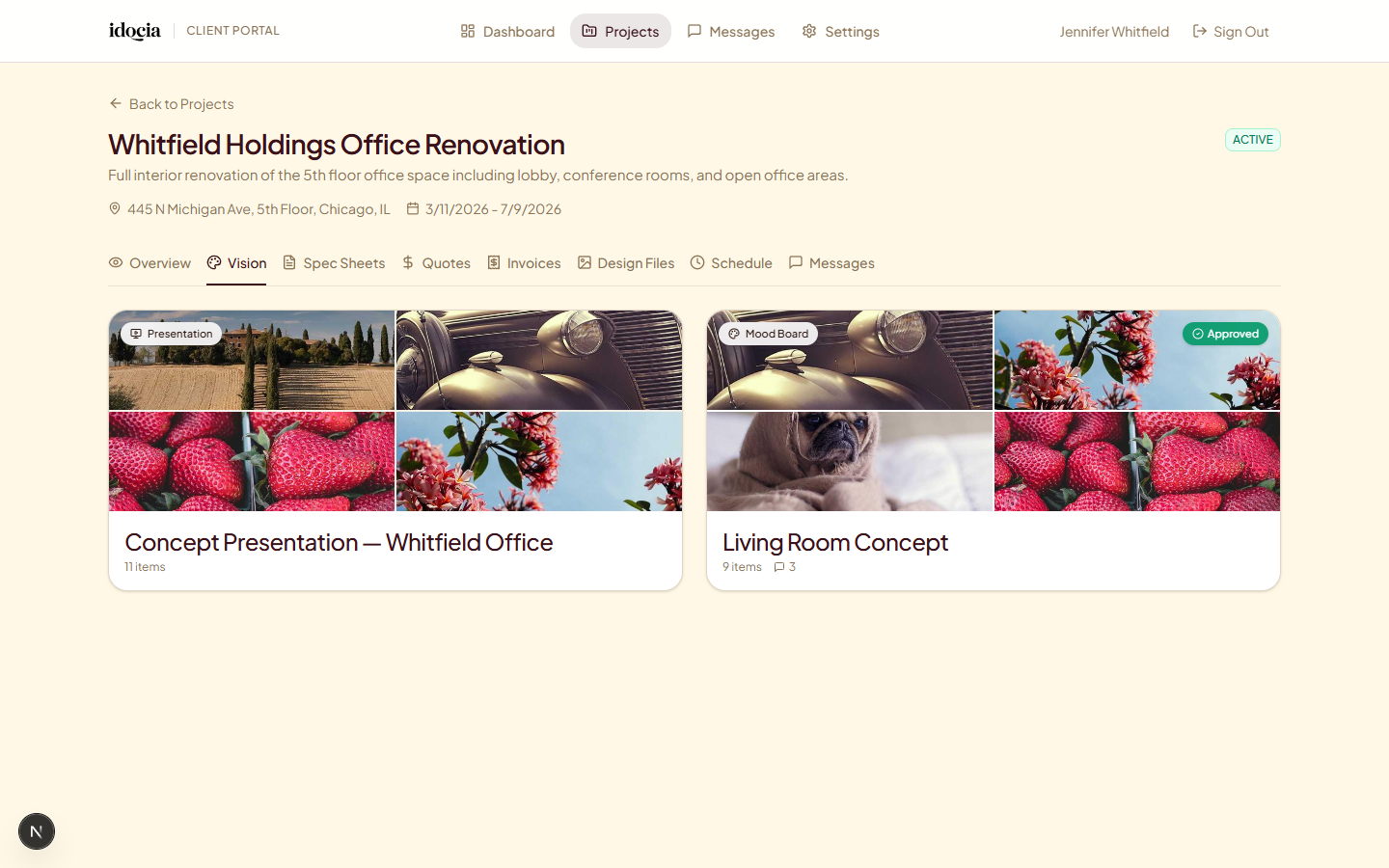
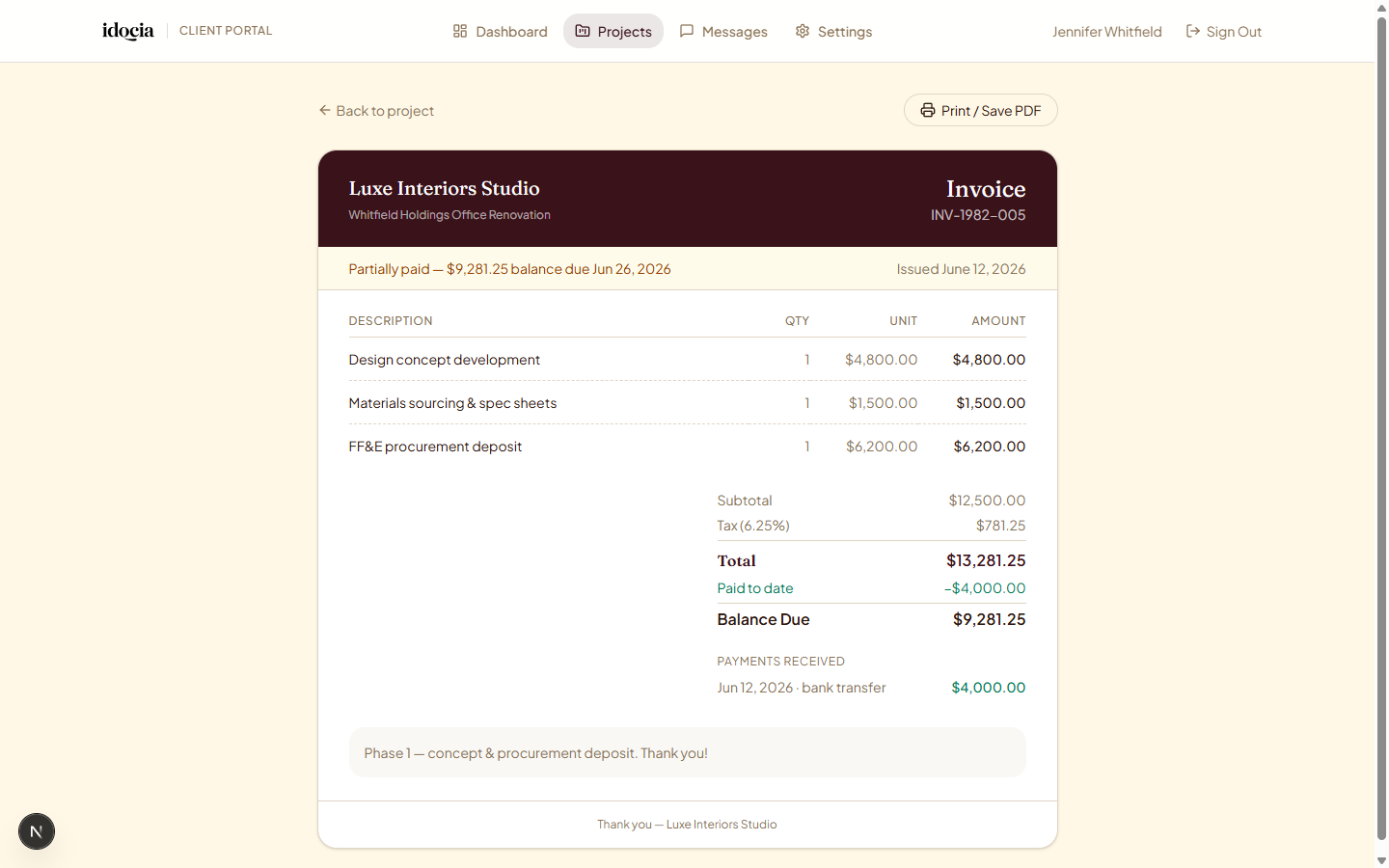
Invoices that look like they came from you
Build line-item invoices, take deposits, and record partial or progress payments as they come in. Clients see a branded invoice with what they've paid, their balance due, and a full payment history — with live status from sent to viewed to paid.
- Deposits & progress payments
- Live status & balance due
- Online card payments coming soon
The whole studio fits in a pocket — and clips from anywhere
The designer app and the client portal are fully responsive. On a phone, a mood board re-flows into a scrolling editorial story. And a browser extension pulls products into your library straight from the web.
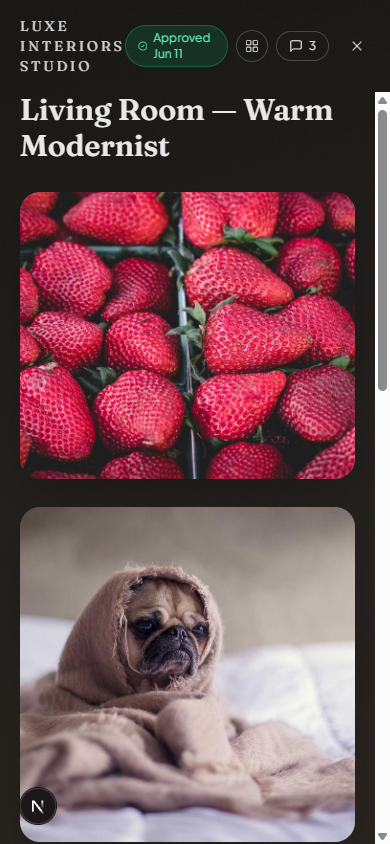
Boards become stories
On a phone, a board re-flows into a scrolling editorial story.
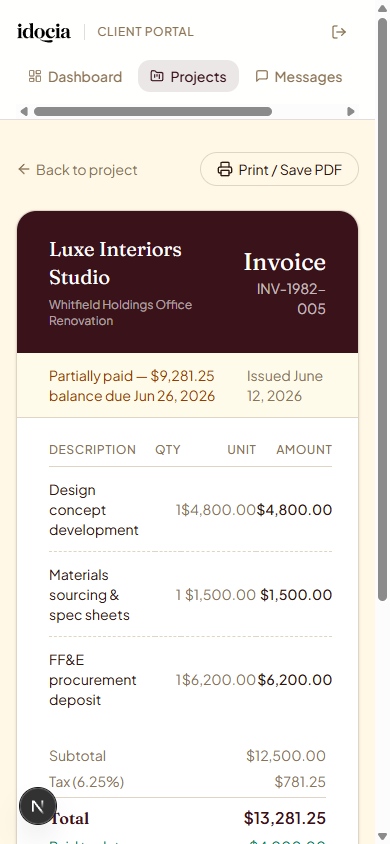
Invoices on the go
Clients open a branded invoice and their balance from any phone.
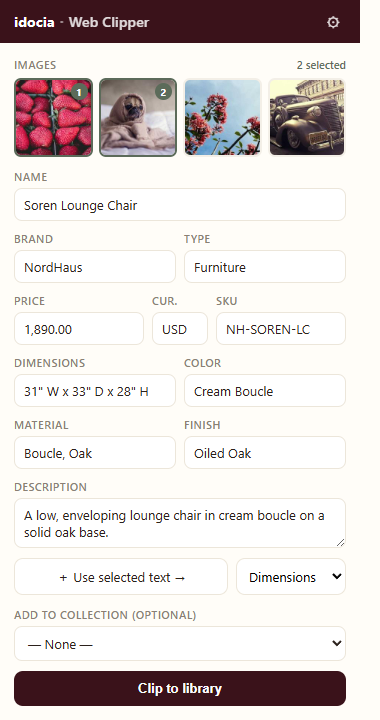
Clip from any website
A Chrome & Edge extension auto-captures name, brand, price, SKU, dimensions, material and images.
From first sketch to final sign-off
A workflow shaped around the way designers actually work — unhurried, organised, and entirely yours.

Open the project
Set up a new project in seconds. Add rooms, define the scope, and invite your team and clients to the space.
Build the spec sheets
Pull products from your library or search vendors. Organise by room, track pricing and watch inventory in real time.
Collaborate & approve
Share selections, gather sign-offs and keep everyone aligned with comments, annotations and live updates.
Deliver beautifully
Export refined PDFs, track deliveries and close out projects with documentation worthy of your work.
Pricing as considered as your work
Every plan opens with a 14-day trial — no credit card, cancel whenever. Choose the one that fits the size of your practice.
Starter
For the solo designer finding their rhythm.
- 5 active projects
- 10 GB storage
- 2 team members
- Spec sheets & PDF exports
- Email support
Professional
For the growing practice with clients to impress.
- 25 active projects
- 100 GB storage
- 10 team members
- Advanced spec sheets
- Client portal & approvals
- Custom branding
- Priority support
Atelier
For established studios and large firms.
- Unlimited projects
- 1 TB storage
- Unlimited team members
- White-label solution
- Dedicated account manager
- SSO & advanced security (coming soon)
- Custom integrations
All plans include SSL encryption and regular backups. Compare all features
Questions, considered
Everything you need to know before getting started. Still curious? Talk to our team.
How long is the free trial?
Fourteen days with full access to every feature in your chosen plan. No credit card required to begin.
Can I switch plans later?
Yes — upgrade or downgrade anytime. Upgrades unlock instantly; downgrades take effect at your next billing cycle.
Is my data secure?
We encrypt data in transit with TLS, hash passwords with bcrypt, and process payments securely through Stripe. Your clients and designs stay private.
Can clients access the platform?
Yes. The Professional and Atelier plans include a white-labelled Client Portal carrying your studio's logo and colours, where clients view shared mood boards and presentations, approve them, leave comments and view their invoices.
How do mood boards and presentations work?
You build them in a drag-and-drop editor — move, resize and rotate images, drop in colour swatches, pull products from your library and add text. Share a board or presentation and your client opens a full-screen, cinematic player. On a phone, a board re-flows into a scrolling editorial story.
Can I preview what the client will see?
Yes. "Preview as client" shows you exactly what the client sees — in a phone or desktop frame — before you share anything.
How does invoicing and payment tracking work?
Build line-item invoices, take deposits, and record partial or progress payments. Clients see a branded invoice with their balance due, payments received and a full history, with live status from sent to viewed to paid. Online card payments via Stripe are coming soon.
What is the web clipper?
A Chrome and Edge browser extension that clips products from any website into your library, auto-capturing the name, brand, price, SKU, dimensions, material and images.
Do you offer training?
Onboarding includes documentation and email support to help you get started.
Can I import my existing data?
Yes. CSV import is supported, and our team can help you get your data in.
What integrations are available?
Stripe billing, Slack notifications, calendar sync and CSV import are supported today. More integrations are on our roadmap.
Is there a mobile app?
idocia is fully responsive and works in your browser on any device today — both the designer app and the client portal. Native iOS and Android apps are coming soon.
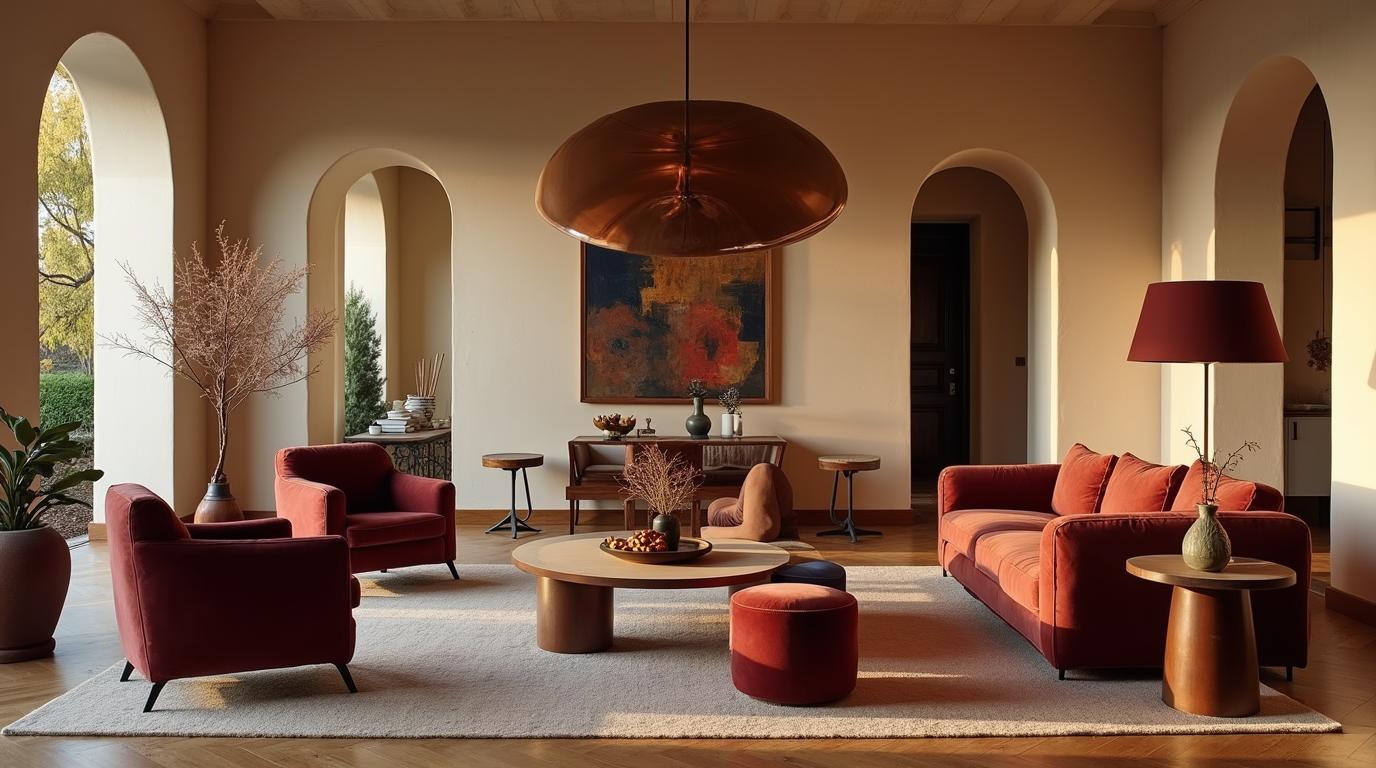
Run your practice with the elegance your work deserves
Start managing your spec sheets, design files, materials, schedules and client approvals in one quietly beautiful workspace.